Capture the order
Bring customer details, products and agreed terms into the sales record.
ERP | DIGITAL TRANSFORMATION
Transform the way business operates with connected systems, streamlined workflows, and practical digital solutions that drive efficiency, strengthen productivity, and support long-term growth.
A REAL BUSINESS HANDOFF
For a distributor, an order is only the start. Teams need to see what is needed, available, delivered, and ready to bill without chasing updates.
Bring customer details, products and agreed terms into the sales record.
Give the warehouse the demand and availability context it needs to prepare fulfilment.
Track what has been reserved, picked and delivered against the order.
Keep the invoice connected to the sale and the fulfilment that supports it.
Illustrative workflow. The applications, rules and integrations are scoped for each project.
Map your own processWHAT VOREVIA DOES
We map the process, configure the right Odoo applications, build focused extensions and help teams use the result.
Structure the right applications, access and workflows around real operating needs.
Extend standard Odoo behavior when your process needs a more precise fit.
Remove repeated handoffs and keep important actions moving with clear rules.
Bring necessary data and connected systems into a coherent operating model.
Help teams adopt the system and improve it as the business evolves.

Illustrative project workspace · sample content
Need to understand scope, deliverables, or how an engagement works?
Explore all servicesSEE THE HANDOFFS
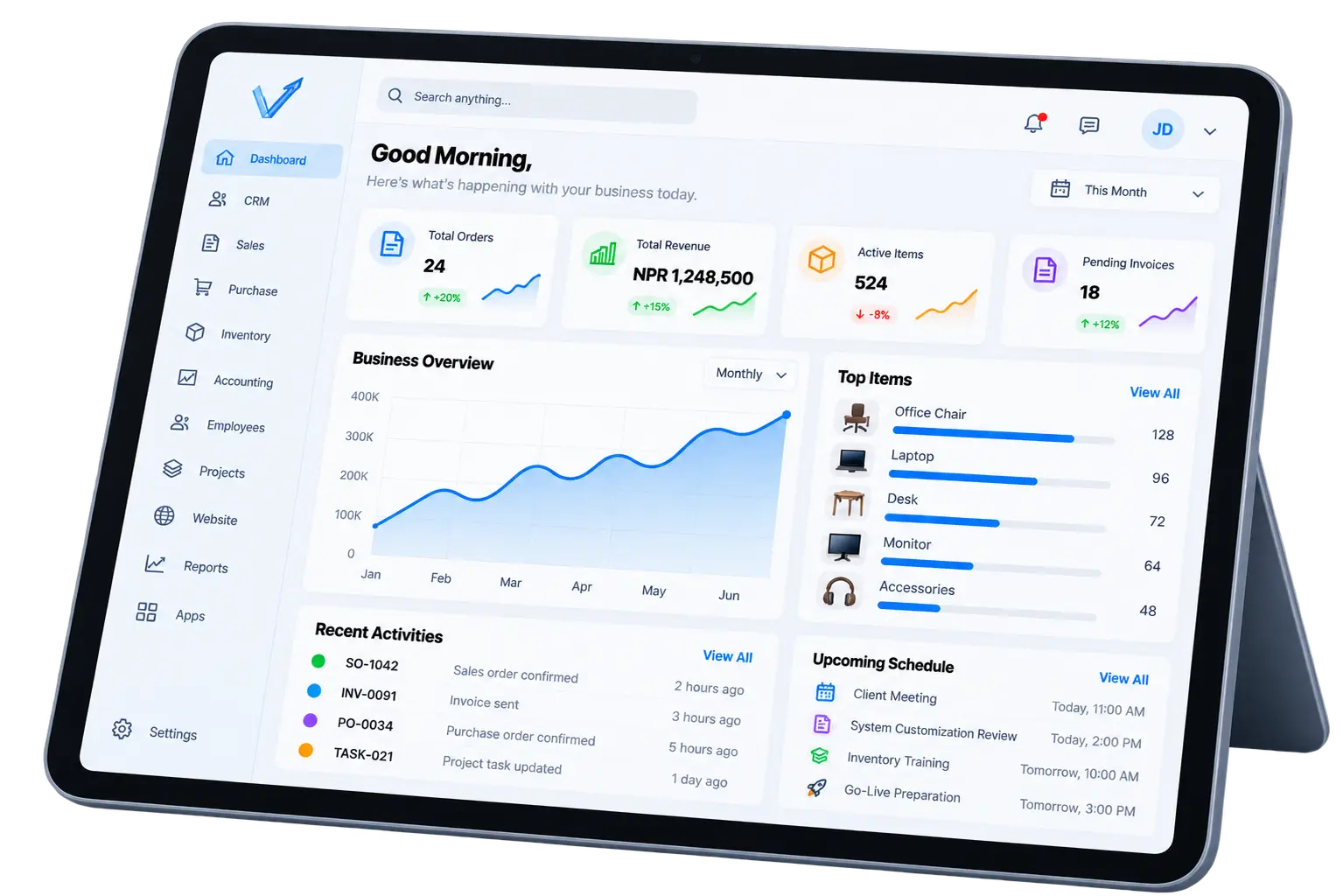
Explore an illustrative Odoo workspace for sales, stock, manufacturing, finance and people. The views show how information can stay connected as work moves forward.


HOW WE WORK
Progress stays visible from initial discovery through deployment and ongoing support.


Start with connected Odoo applications, then configure the workflows, roles and documents that make each operating model distinct.
Connect point of sale, purchasing, stock and customer information across stores and channels.
Coordinate materials, production orders, quality checks and maintenance in one operating flow.
Connect customer orders to stock availability, warehouse fulfilment, deliveries and invoices.
Move from lead and quotation to project delivery, timesheets and customer billing.
WHY VOREVIA
Every business operates differently. Vorevia implements and customizes connected ERP systems around the processes your team actually follows—reducing manual work, improving information flow, and making daily operations easier to manage.
01 / UNDERSTAND
We look at the steps people follow today, where information gets delayed, and what each team needs to decide. That shared picture sets the direction for the implementation.
02 / IMPLEMENT
We configure Odoo applications, roles, and approvals around the agreed process. Focused customization addresses gaps that standard behavior cannot cover.
03 / CONNECT
Customer, inventory, delivery, and finance activity can share the right context. Teams spend less time repeating updates across disconnected tools.
04 / EVOLVE
Training, support, and measured changes help the system stay useful as responsibilities, volumes, and priorities change over time.
FREQUENTLY ASKED QUESTIONS
A practical starting point for planning an Odoo implementation or improvement project.
Ask another questionA MORE CONNECTED WAY TO WORK
Bring us the process you want to improve. We'll help you find the right approach, built around your business.
Discuss Your Workflow